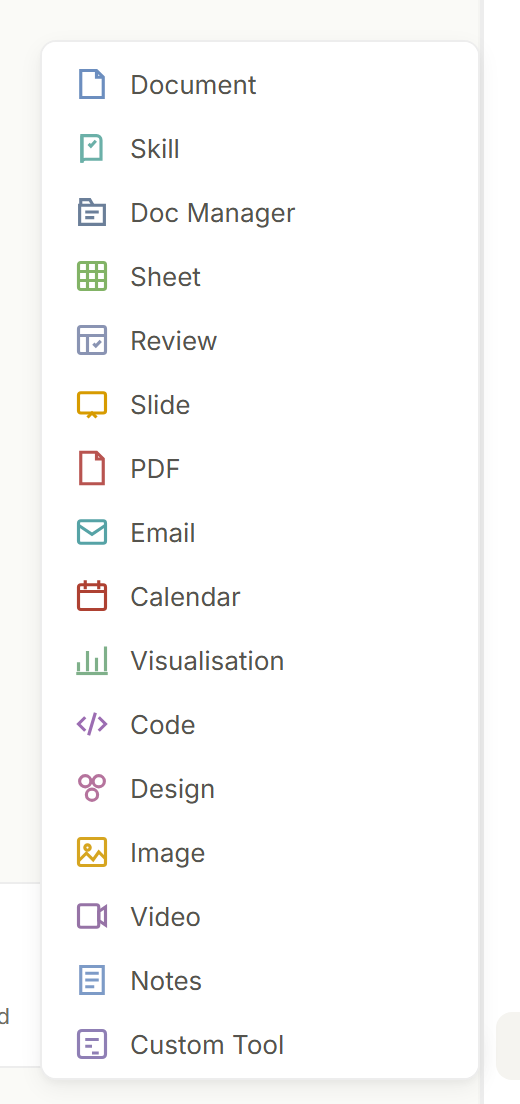
Use a live artifact or Custom Tool for a focused interactive workflow. Use Code agent and the Code editor for multi-file web apps, frameworks, terminals, previews, and project delivery.
Artifact, Custom Tool or Code project: pick the surface that matches the job.
Try this
✦Build a small interactive quote calculator for my landscaping business: the customer enters lawn area in square metres, picks a service tier, and sees a price. One screen, no accounts, no saving.
What you getOppermind builds it as a Custom Tool with a live preview in the right-hand pane; for a full customer portal with logins you would switch the mode chip to Code agent instead.
Describe behavior, not just appearance
Define users, inputs, calculations, validation, states, outputs, accessibility, brand treatment, and what must happen when data is missing or invalid.
Make a leave-request tool for HR. Inputs: start date, end date, leave type, current balance. Rules: reject an end date before the start, warn above 20 working days, show a clear message for any empty field.
Preview is open on the right, using your kit. Each rule is enforced as you type: an end date before the start shows End date must be after start date, over 20 working days shows a warning, and an empty field names what is missing.
Behaviour you specified becomes behaviour you can test: each rule shows its message in the preview.
Try this
✦Click + and open the Brands tab to attach your kit, then type:
Make a leave-request tool for HR. Inputs: start date, end date, leave type, current balance. Rules: reject an end date before the start, warn above 20 working days, show a clear message for any empty field.
What you getThe preview enforces each rule as you type: an end date before the start shows the message you specified rather than a blank result or a broken calculation.
Preview and steer
Interact with the generated preview, report specific behavior that needs changing, and preserve parts that are already correct.
Code agent work lands in the Code editor, where you preview and steer each change.
Try this
✦In the preview, enter 0 for the loan amount and note the result, then type:
The monthly repayment shows NaN when the amount is 0. Show Enter an amount instead. Keep the layout and the interest-rate slider exactly as they are.
What you getOppermind changes only the zero-amount handling; the preview refreshes with the message in place and the slider and layout are unchanged.
Test before customer use
Test empty and invalid inputs, unusual values, small screens, permissions, external dependencies, error handling, and sensitive-data boundaries.
Run the restaurant booking tool through these cases: an empty form, a phone number containing letters, a party of 500, a date in the past, and the window narrowed to phone width. Tell me what happened in each case and fix anything that broke.
Empty form: required-field messages shown. Letters in phone: accepted, now rejected. Party of 500: accepted, now capped at 20 with a call-us note. Past date: blocked. Phone width: time picker overlapped, now fixed. Preview updated. Rerun all five before anyone outside the team uses it.
Each case gets a result and a fix; you rerun the same cases before customers see it.
Try this
✦Run the restaurant booking tool through these cases: an empty form, a phone number containing letters, a party of 500, a date in the past, and the window narrowed to phone width. Tell me what happened in each case and fix anything that broke.
What you getOppermind reports the result of each case and applies fixes in the preview; you re-run the same five cases yourself before anyone outside the team uses it.
Export or publish deliberately
Review the file list, dependencies, destination, access model, and data handling before exporting, deploying, or sharing the result.
List every file you will deploy, every third-party script or font it loads, and confirm the RSVP form sends nowhere until I connect a destination.
◆ Lato · Pro
Files to deploy: index.html, styles.css, app.js, fonts/ (2 files) and images/ (6 photos, 1.8 MB). Third-party loads: none; no analytics or external scripts. The RSVP form has no destination: submitting shows a thank-you message and sends nothing until you connect one.
Looks right. Publish it.
◆ Lato · Pro
Code Ready: School fete micrositeGenerated 16:05 · project↓↗⌄
Published as a static site. The live URL is open in the Browser pane on the right; try the RSVP form there before you share the link.
Review the file and dependency list first; publishing is a separate, explicit step.
Try this
✦In Code agent mode, before publishing the school fete microsite, type:
List every file you will deploy, every third-party script or font it loads, and confirm the RSVP form sends nowhere until I connect a destination.
What you getCode agent lists the files and dependencies in chat; only after you review them do you ask it to publish the static site, which returns a live URL you can open.
GUIDED LEARNING
Practise this in Oppermind Academy
Follow the related tutorial or course and apply the concept to a real task.